Step 1 — the free guest scan
Upload your original read on the guest scan — no account required. The platform identifies the ECU automatically and lists every operation supported on that specific file.
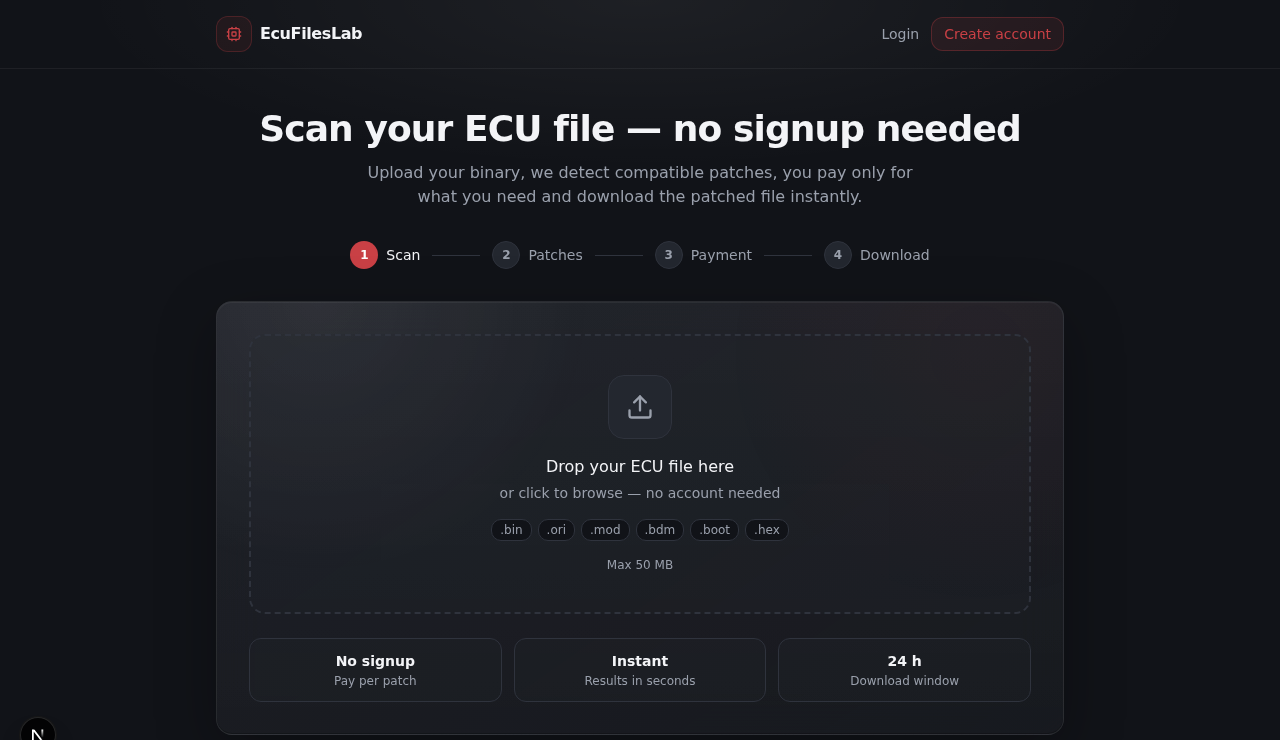
If the ECU is not in coverage yet you can request it — the scan itself costs nothing either way.
Step 2 — choose your solutions
For each detected ECU the catalogue lists the available services — DTC removal, DPF/EGR/AdBlue solutions, Stage 1–2 tuning, immo and special fixes — each priced in credits.
Where the AutoMod engine covers your ECU you get the automated, faster and cheaper path; where it does not, the file goes to a calibrator for manual processing. When both exist, the choice — and the price difference — is shown up front.
Step 3 — pay in credits
Everything is priced in credits: buy a pack when you need it, no subscription required. Started as a guest? The order follows your account after you register — nothing is lost.
The credit cost of each solution is displayed before you confirm — the price you see on the service page is what is debited.
Step 4 — processing
AutoMod identifies the ECU, applies proven patches and runs structural checks on the output — a matter of minutes, not hours. Flagged or unusual cases go through human validation before delivery, so automation speed never ships unchecked.
Realistic timing depends on the queue and business hours — the target processing time shown on the site is read live from the platform's own configuration.
Step 5 — download and flash
Download the modified file from your order — the original read stays attached so you can always go back. Write it with the same tool you read with; modern tools correct the checksum on write.
On first start the engine can idle roughly for a minute while adaptations re-learn — that is normal.
Good habits
- Always keep the original read — it stays attached to your order, but keep your own copy too.
- Mention your tool and read method (OBD/bench/boot) in the order when relevant.
- Not covered? File a coverage request instead of forcing a wrong ECU match.
Next steps
- Free file scan — identify your ECU
- Browse the service catalogue
- Credits and pricing
- Request ECU coverage
Modified files are supplied for off-road and motorsport use only. Emissions-related modifications may not be legal on public roads — check your local regulations.
More guides
How to read your ECU — KESS3 vs Autotuner vs FLEX vs bench reads
Read the guideDTC off vs erasing fault codes — what actually changes in the file
Read the guideStage 1 file — what to check before flashing
Read the guideAdBlue / SCR off — what it actually changes
Read the guideECU checksum correction — why flashing tools need it
Read the guide